Remapping a third-party Switch Controller
20th September, 2026I love rhythm games. I grew up on Guitar Hero. A while back, I bought a third-party taiko controller for my partner so that we could play Taiko no Tatsujin together on the Nintendo Switch.
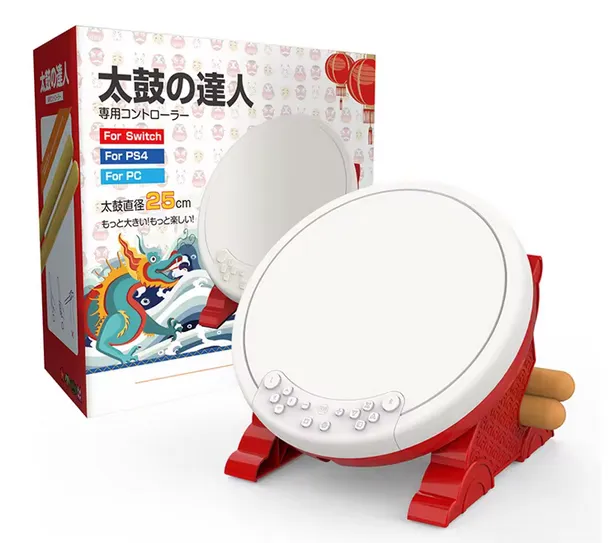
In the product listing photos, the controller looked like it was wireless. Spoiler: it wasn’t.
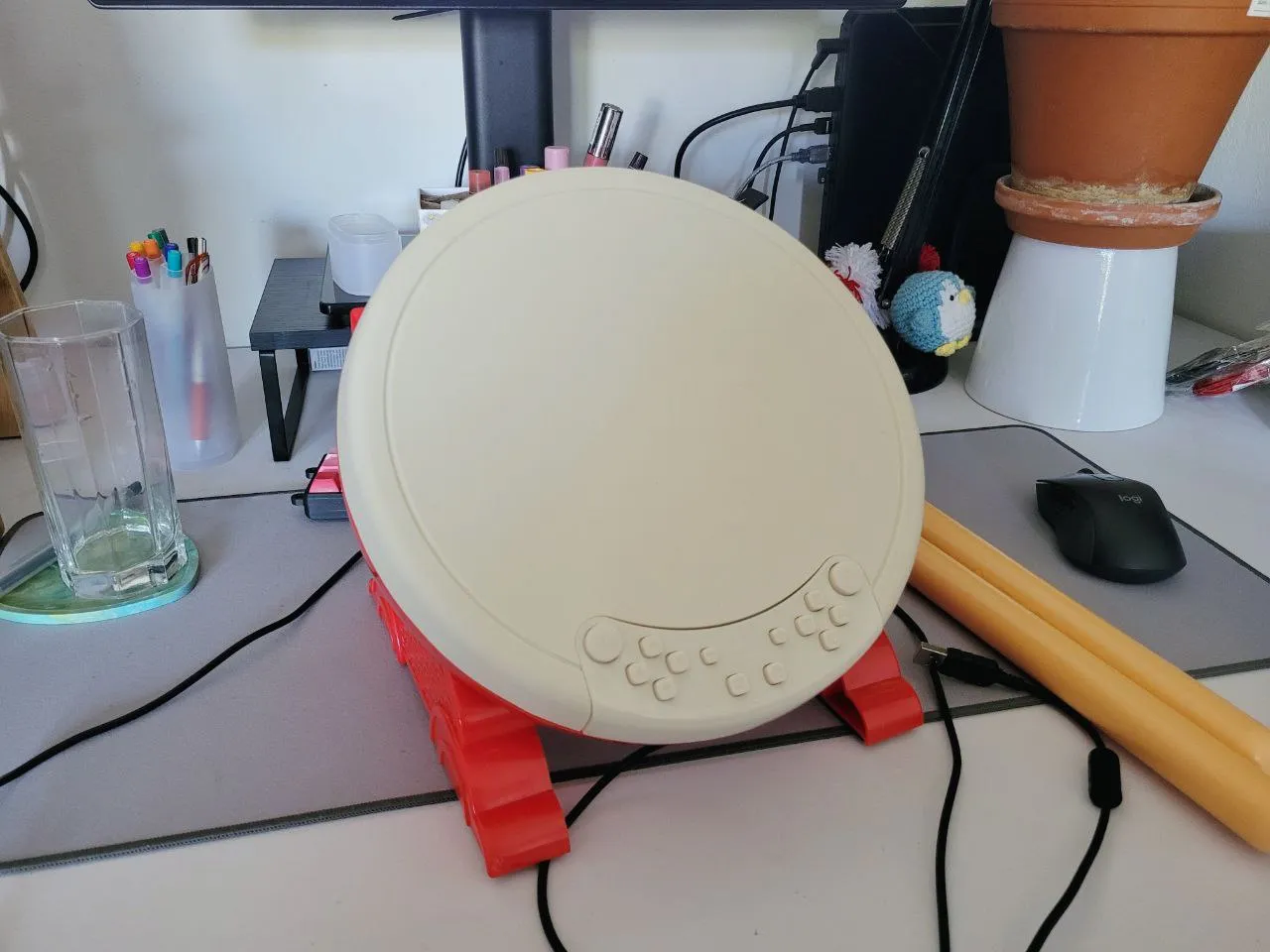
You had to connect the controller via the USB cable to the Switch and via a wifi connection. This inevitably led to a poor Taiko experience and the novelty quickly wore off. Despite this, my partner was still able to adjust her timing to the latency and beat me many, many times.
Osu!
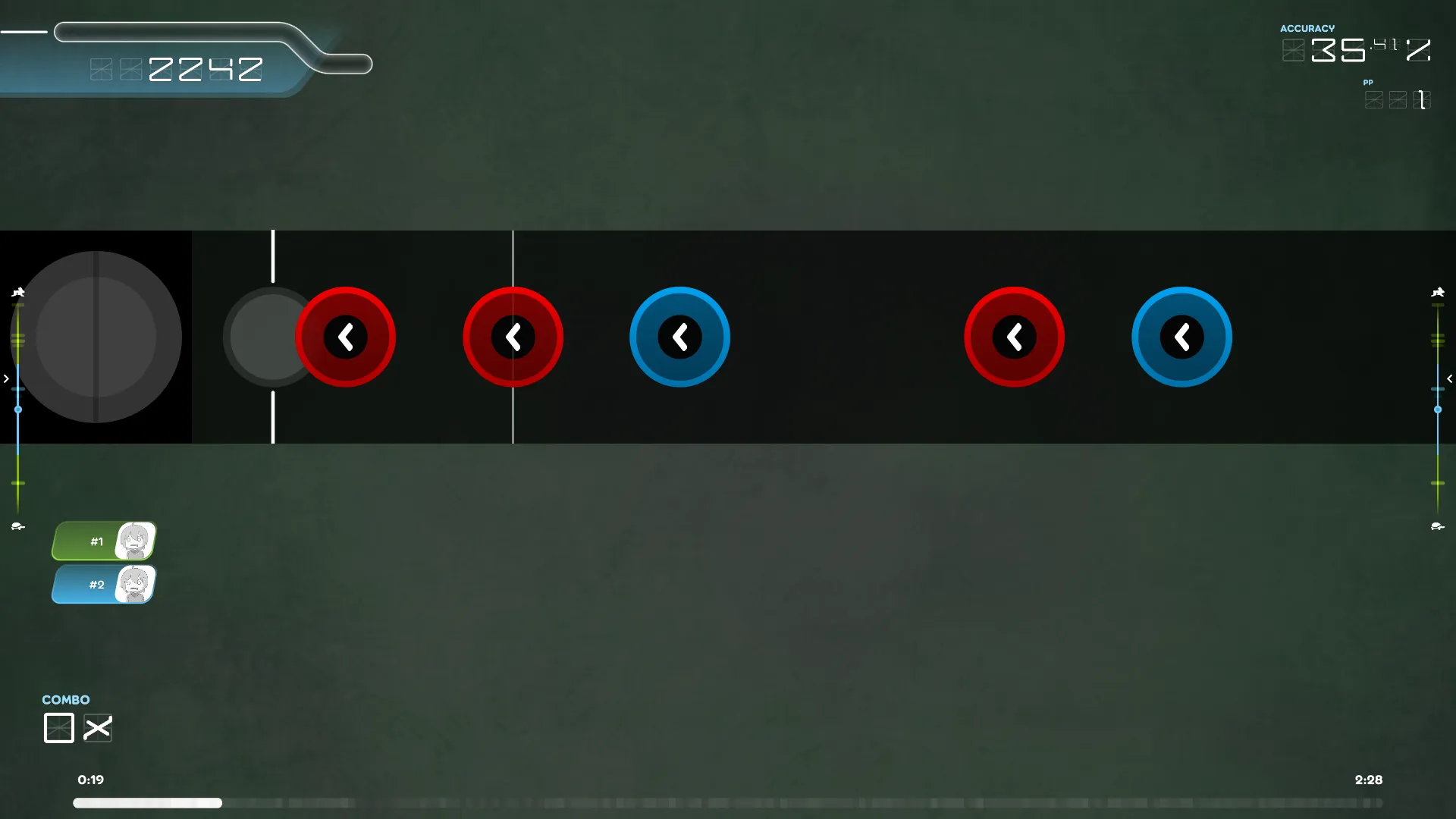
Around the same time I came across Osu!. It has a mode that resembles Taiko no
Tatsujin. PC players usually use the keyboard, typing f or j for
the drums and d or k for the rims.
I wanted to play with the Taiko controller. The first thing I tried, quite predictably, did no work.
While Osu! seems to have settings for detecting and playing with controllers, it didn’t quite work out of the box like playing Steam games with Xbox or Nintendo controllers.
Remapping
Using libxdo, I quickly hacked together a remapper, mapping the
event codes the controller emits to keystrokes libxdo sends.
If you’re on X11, have a third party controller lying around and want to play Osu! (like me), check out the remapper repository.
This is quite a simple solution as it delegates the sending of keystrokes to
libxdo. In the process of hacking up the remapper, I learned that quite a few
layers sit in between the physical action of pressing a
key and the keystroke happening in a Linux computer.
I don’t fully understand it yet, but atleast I now have a highly responsive controller to play Taiko with! 😋